Students & Guardians
Viewing classwork and learning
Find the class routine, diary, syllabus, book list, calendar, and assignment progress.
The Learning area brings together daily classes, assignments, academic content, and school dates.
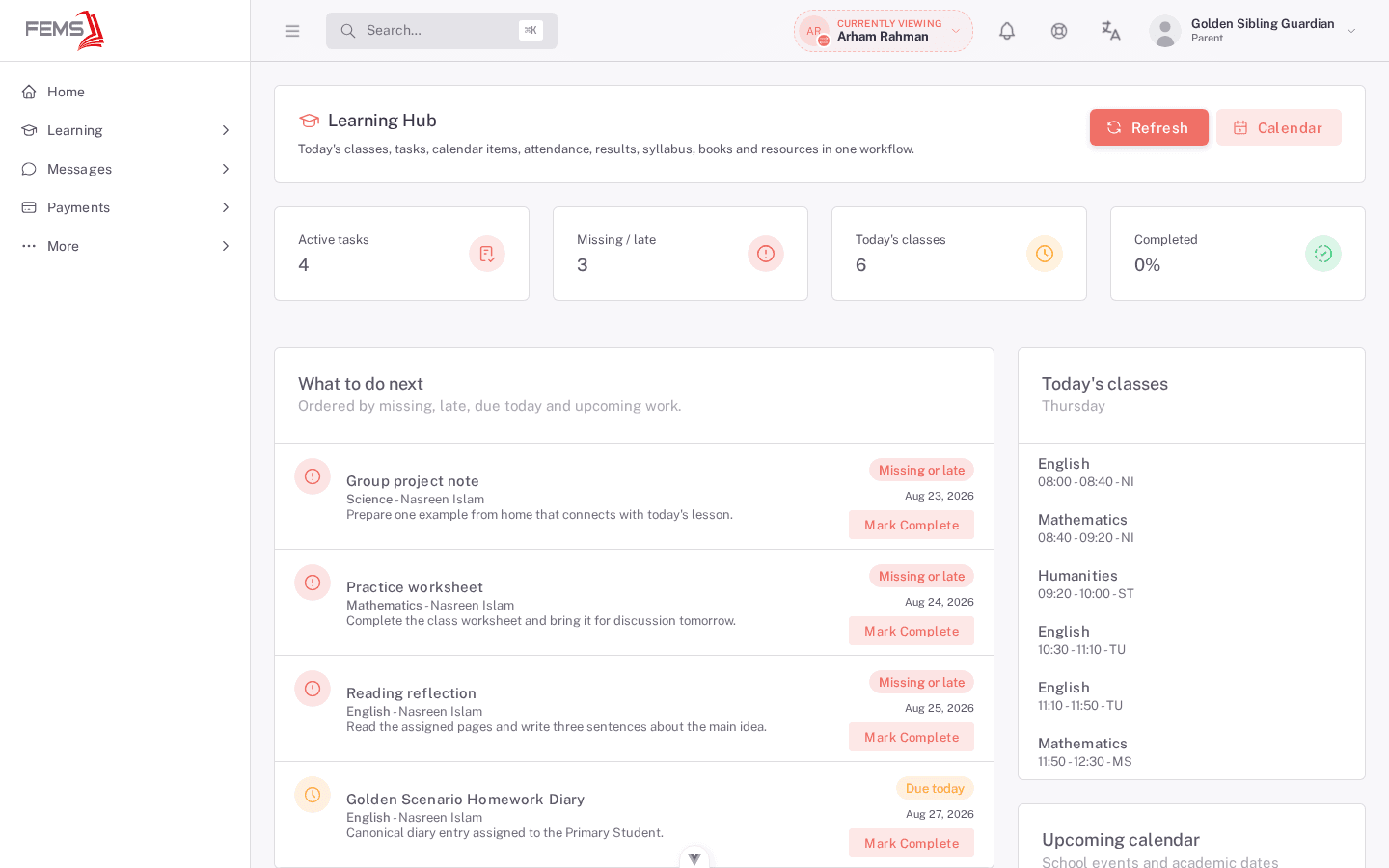
Check today's work
- Open Learning.
- Check Active tasks, Missing / late, Today's classes, and Completed.
- Read each task's subject, teacher, description, date, and status on the page.
- Select Mark complete only after finishing the work.
Use the learning pages
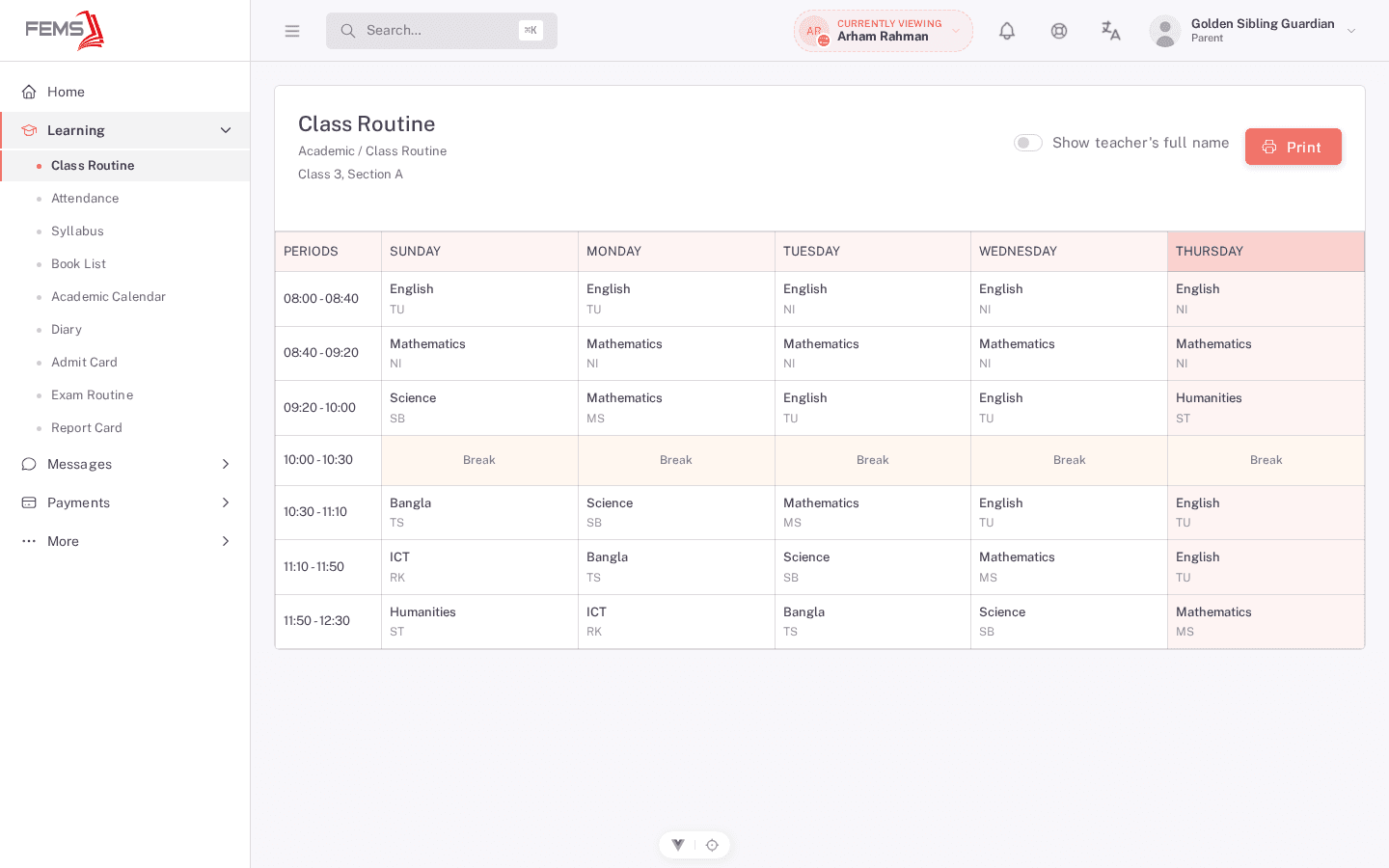
- Open Class Routine for the weekly schedule and teacher names.
- Open Attendance for daily and monthly attendance.
- Open Syllabus for lessons, sub-topics, pages, and book references.
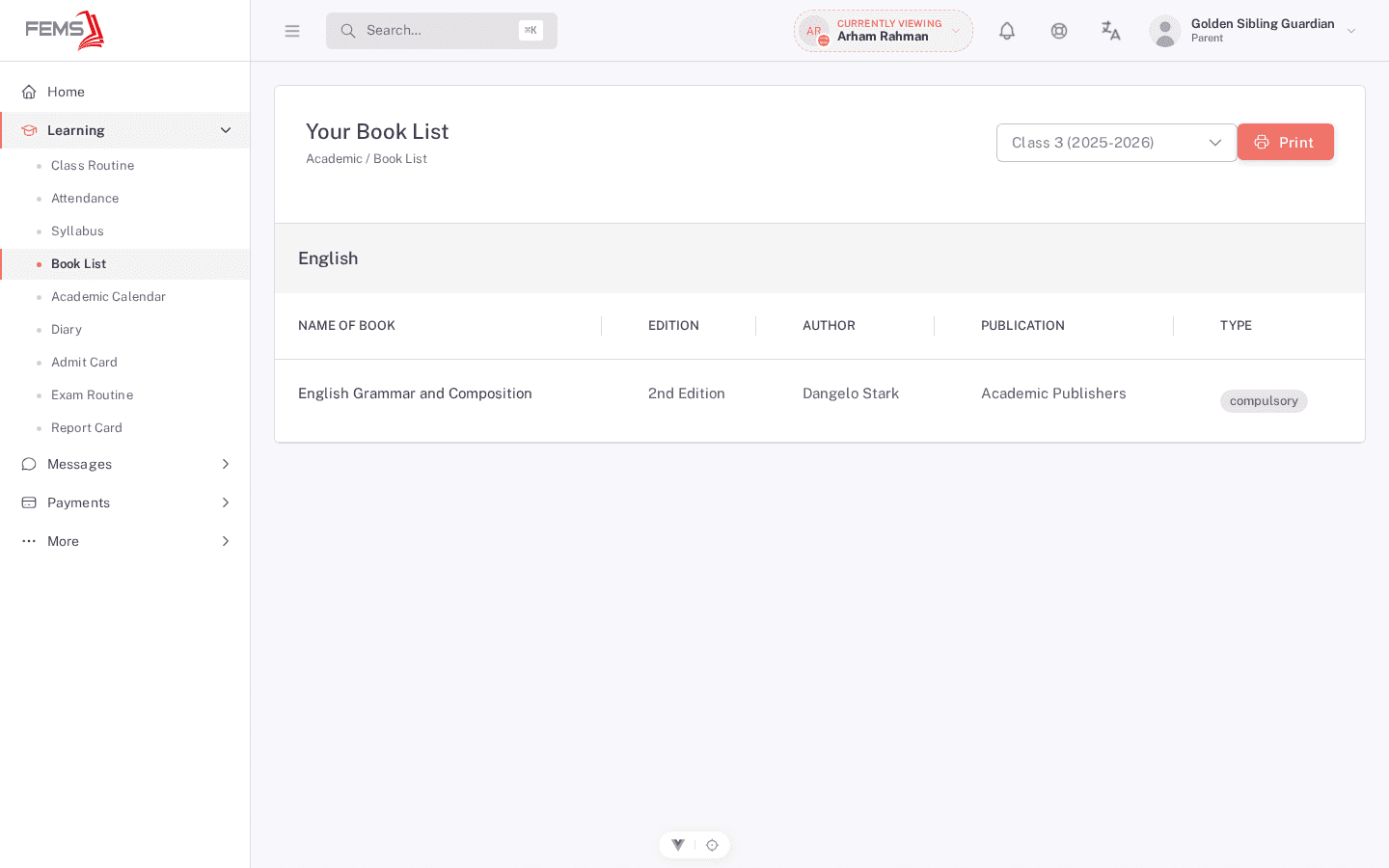
- Open Book List for required, optional, and reference books.
- Open Academic Calendar for school events and dates.
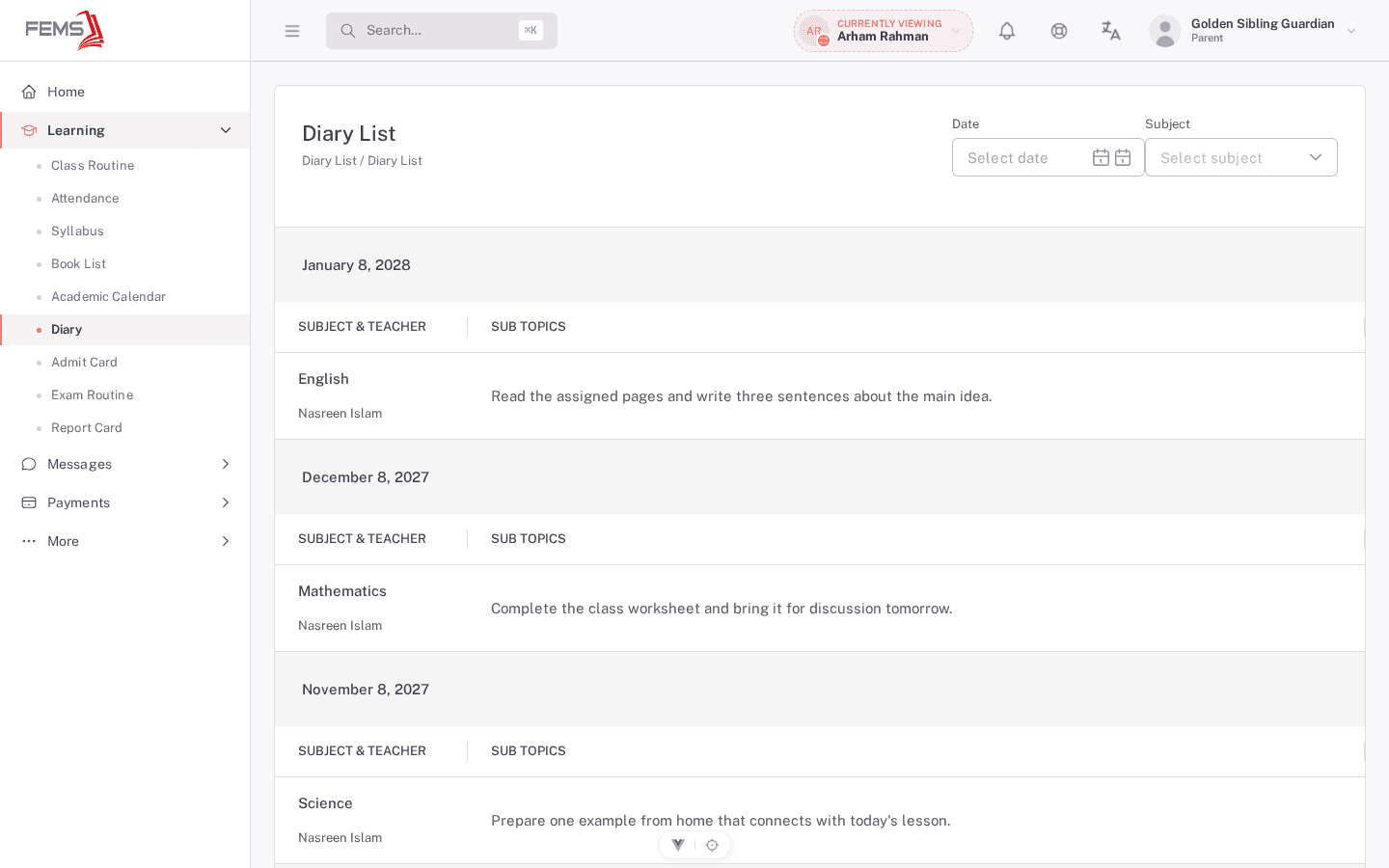
- Open Diary for dated teacher entries and assignments.
Frequently asked questions
Why is a subject or book missing?
The school may not have published it for the selected session. Ask the class teacher or academic office.
Can a guardian mark an assignment complete?
The portal uses the selected child's assignment record. Check your school's practice before changing completion on a child's behalf.