Logging in for the first time
How to receive credentials and sign in to your institution's FEMS console.
You don't sign yourself up for FEMS. Your school creates your account, and this page walks you through using it for the first time.
Prerequisites
All users. You just need the login details your school gave you.
Where your login comes from
Your school's admin or HR team creates your account when they add you as an employee, or when they enroll you (or your child) as a student. They give you:
- A username: usually your Employee ID if you're staff, your child's parent phone number if you're a guardian, or an email address.
- An initial password, shared with you separately (in person, by SMS, or however your school prefers).
If you never received these details, ask your school's admin office or HR department, not FEMS support.
Signing in
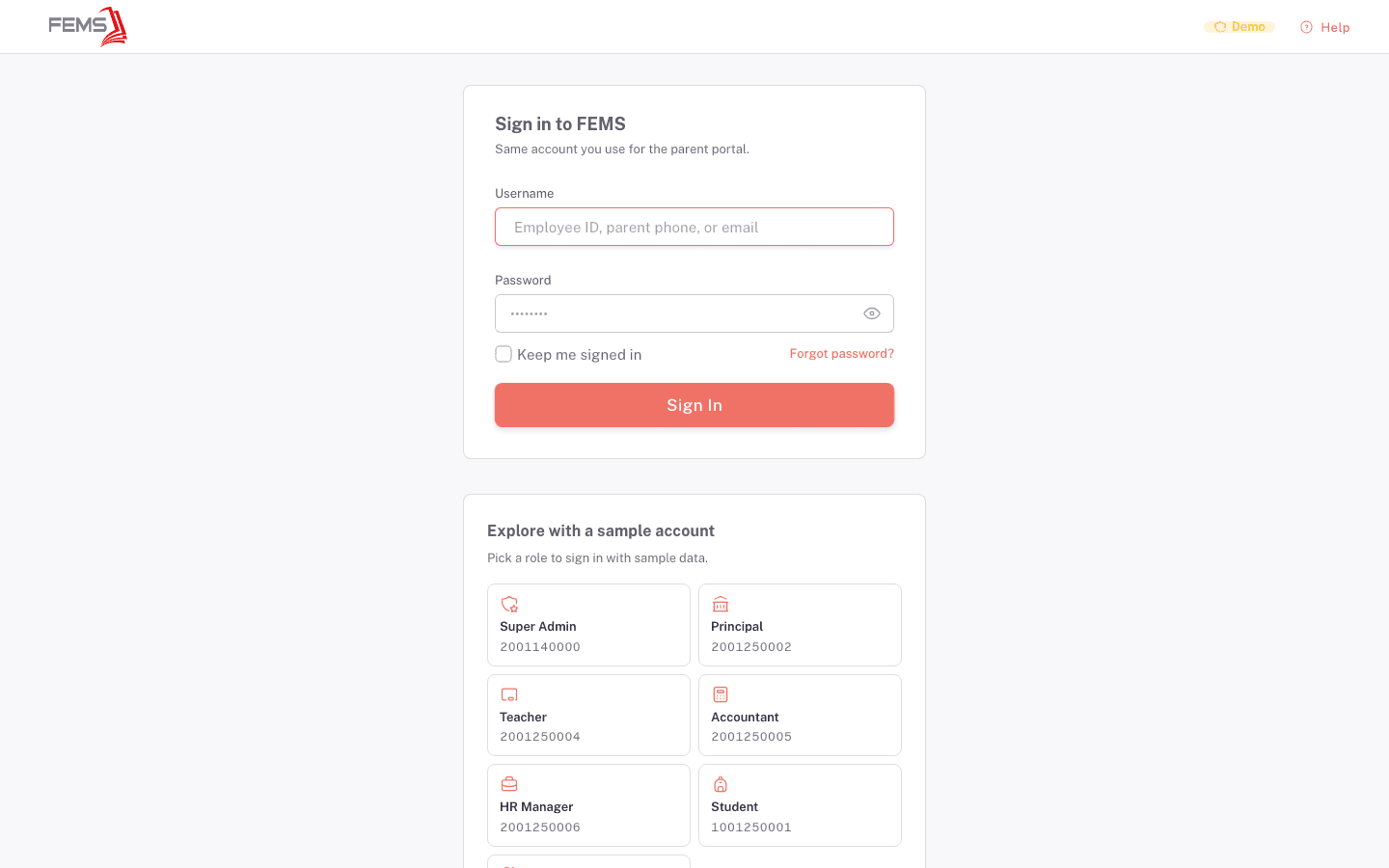
- Go to your school's FEMS web address (your school gives you this link).
- Type your Username in the Username field.
- Type your Password in the Password field.
- Check Keep me signed in if you're on your own device and want to stay logged in between visits. Skip this on a shared or public computer.
- Click Sign In.
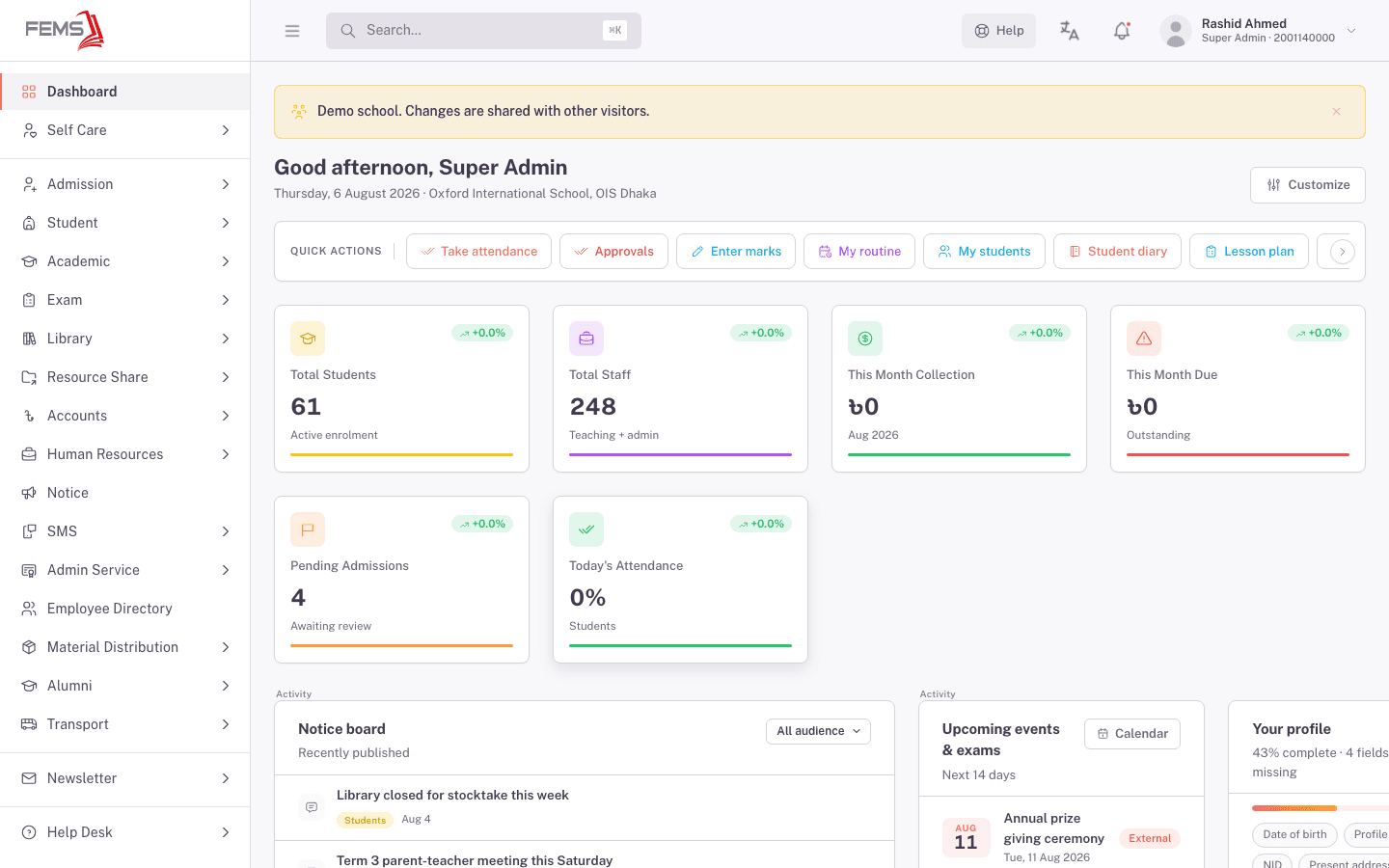
You'll see your school's dashboard load, with a greeting, your role, and a set of quick actions and summary widgets for your role.
Forgot your password?
Click Forgot password? on the sign-in form. FEMS asks for your 10-digit user ID, then sends a verification code you use to set a new password.
FAQ
I don't have a username or password yet. Who do I ask? Your school's admin office or HR department. They create every FEMS account, so FEMS support can't issue you a login directly.
Can I use the same login on the parent portal? Yes. The sign-in form says "Same account you use for the parent portal", so one set of credentials works for both.
Should I check "Keep me signed in"? Only on a device that's yours and not shared. Skip it on a school computer or shared kiosk.
What happens if I enter the wrong password too many times?
I'm a student. Is my login different from a staff login? No, it's the same sign-in form. What you see after signing in (your dashboard and menu) depends on your role, not the login process itself.