Welcome to FEMS
What FEMS is, who uses it, and how these docs are organized.
FEMS is the software your school uses to run its daily work: admitting students, taking attendance, entering marks, collecting fees, running payroll, and more. This page gives you the lay of the land before you sign in.
Prerequisites
None. Anyone can read this page, whether or not you have a FEMS login yet.
What FEMS does
Instead of separate spreadsheets, notebooks, and paper forms, your school's staff, teachers, and students share one system. What each person sees depends on their role:
- Super Admins and institution admins set up the school's structure (campuses, classes, sessions), configure fees, and control who can access what.
- Teachers take attendance, enter marks, write lesson plans, and share syllabus content.
- Front-desk and accounts staff admit students, collect fee payments, and issue receipts.
- Admission office staff log enquiries, score entrance tests, and enroll new students.
- HR and payroll staff maintain employee records, approve leave, and run monthly payroll.
- Librarians catalogue books and manage borrowing and returns.
- Transport staff set up routes and assign students or employees to them.
- Any employee can use Self Care to view their own profile, attendance, payslips, and messages, without asking an admin to look anything up.
- Students (and their guardians) use a self-service portal to check results, pay fees, and read notices.
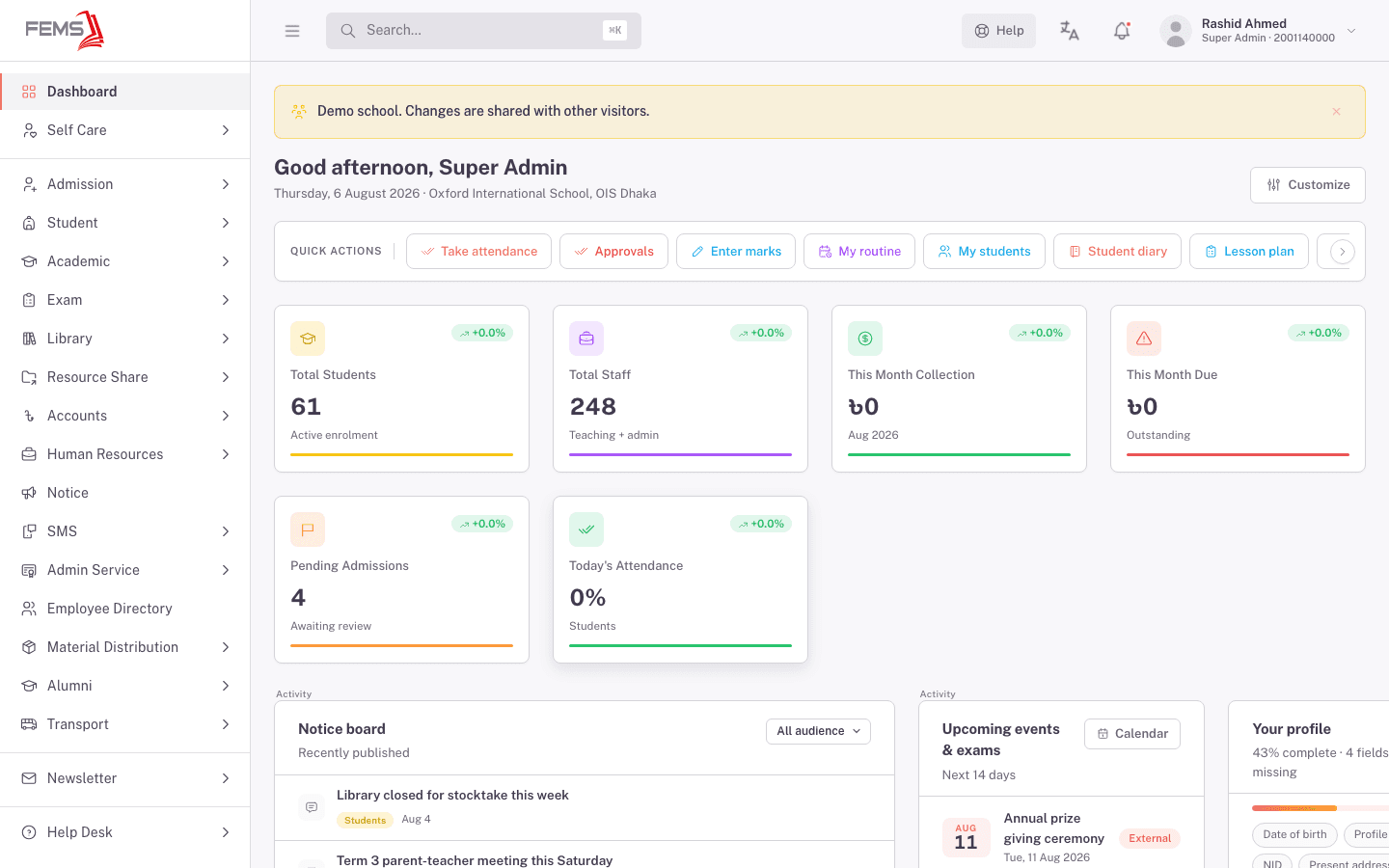
How these docs are organized
- Getting Started (you're here) walks you through your first login, initial setup, roles and permissions, finding your way around, and getting help.
- Modules covers each part of FEMS in detail: how to admit a student, set up fees, run an exam, and so on, organized by the same areas you see in the sidebar.
- How-To Guides are short, step-by-step walkthroughs for tasks that cross more than one module, like onboarding a new student from enquiry to enrollment.
- FAQ answers the questions people ask most, gathered in one place instead of spread across every module.
- Troubleshooting lists common problems (login trouble, printing issues, missing permissions) and how to fix them.
- Release Notes tracks what's new in FEMS over time.
FAQ
Do I need training to use FEMS? No. FEMS is built so a school administrator, teacher, or staff member can use it without formal training. These docs replace that training when you need a refresher.
Is the student self-service portal part of the same system? Yes. Students and guardians sign in with the same kind of account, just with a different set of screens suited to what they need to see.
Where do I start if I'm setting up a brand-new school? Start with What to set up first. It lists the setup steps in order.