Checking student and teacher AI availability
Check whether student and teacher AI tools are available for the signed-in account.
FEMS has separate AI entry points for students and teachers. Availability depends on the signed-in account and the data configured by the school.
Student assistant availability
If the student menu includes an AI assistant, open it from there. If the page shows Assistant not available and Only student accounts can use the assistant, the signed-in account cannot use it.
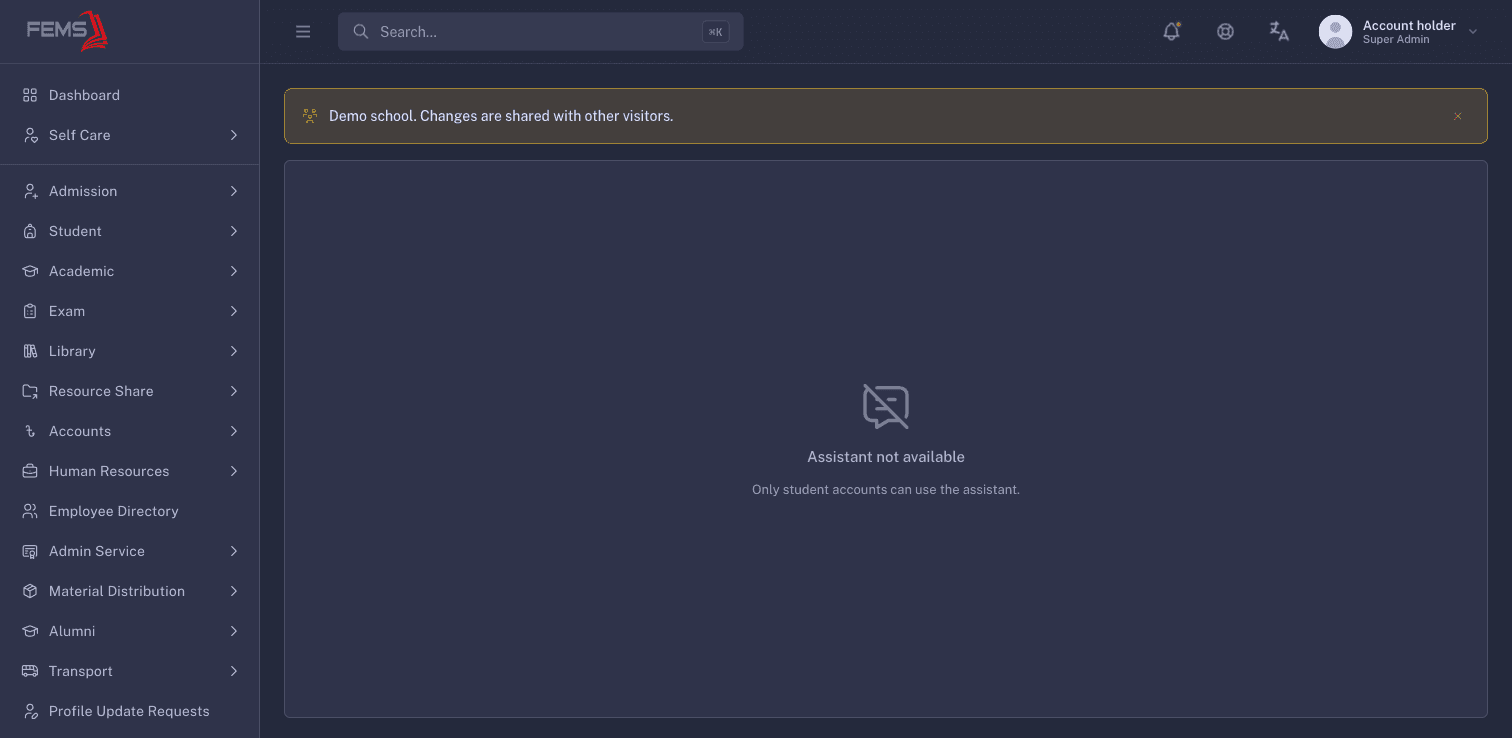
If your student menu does not show an AI assistant, ask the school administrator whether it is enabled.
Teacher AI Center availability
- Open AI Center.
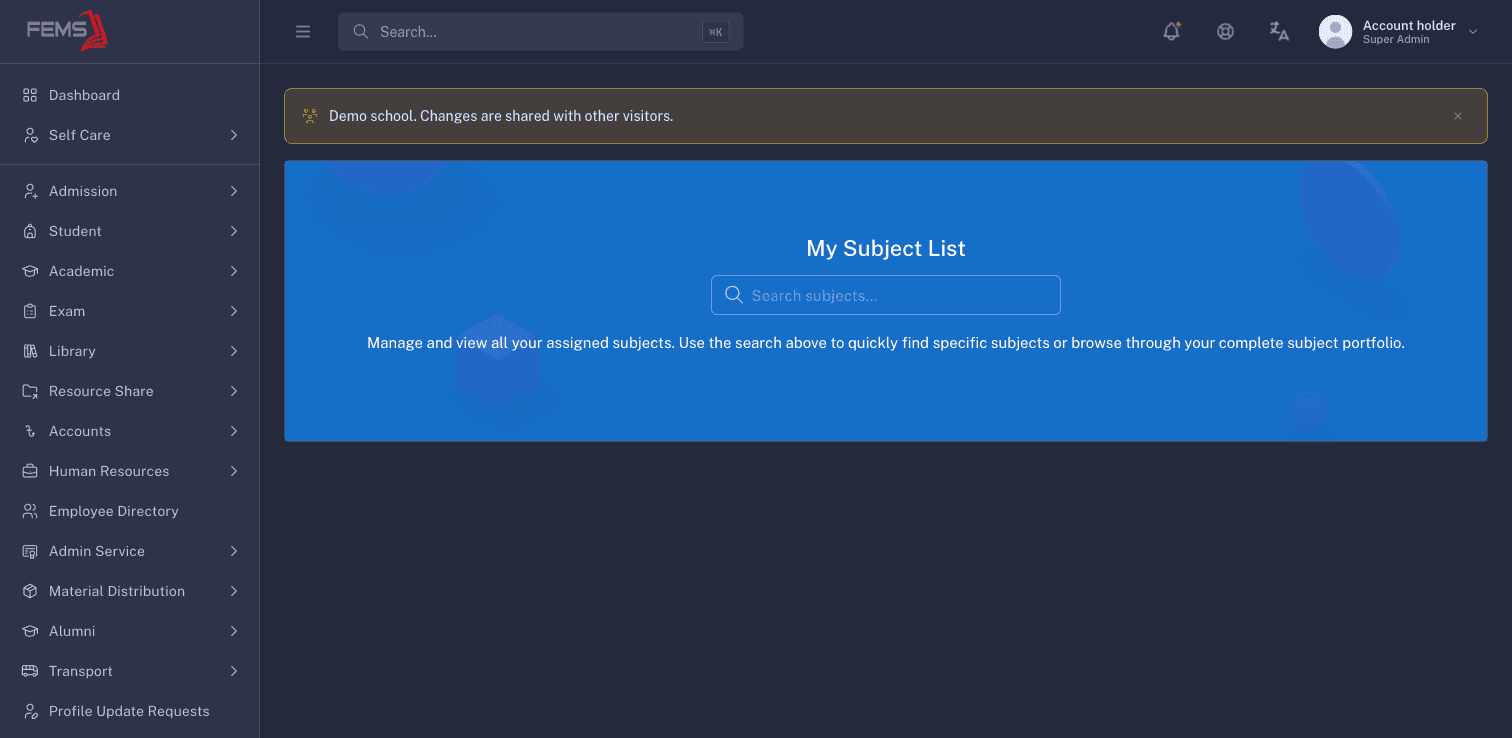
- Select Subject List.
- Use Search subjects... when assigned subjects appear.
When My Subject List has no subject cards, no AI lesson-plan action is available.
If the feature is unavailable
- Students who see Assistant not available should ask their teacher whether the assistant is enabled for their class.
- Teachers with an empty My Subject List should ask an academic administrator to check their subject assignment and feature availability.
- Use Managing lesson plans when no AI action is available.
Frequently asked questions
Can an administrator use the student assistant?
No. The live page states that only student accounts can use it.
Why is My Subject List empty?
No subject cards were returned. Ask an academic administrator to check the teacher's assignments and feature availability.