Distributing and tracking school materials
Find a student's assigned materials, check payment and delivery status, and run sales or delivery reports.
Use Material Distribution to check the materials assigned to a student and review payment or delivery records. The shared demo has no assigned materials, so this guide covers the verified search and report states without inventing a delivery action.
Prerequisites
You need access to Material Distribution. An administrator must assign products to classes before they can appear against a student.
Finding a student's materials
- Go to Material Distribution > Distribution.
- Enter at least four digits of the student ID in Search Student.
- Pick the matching student.
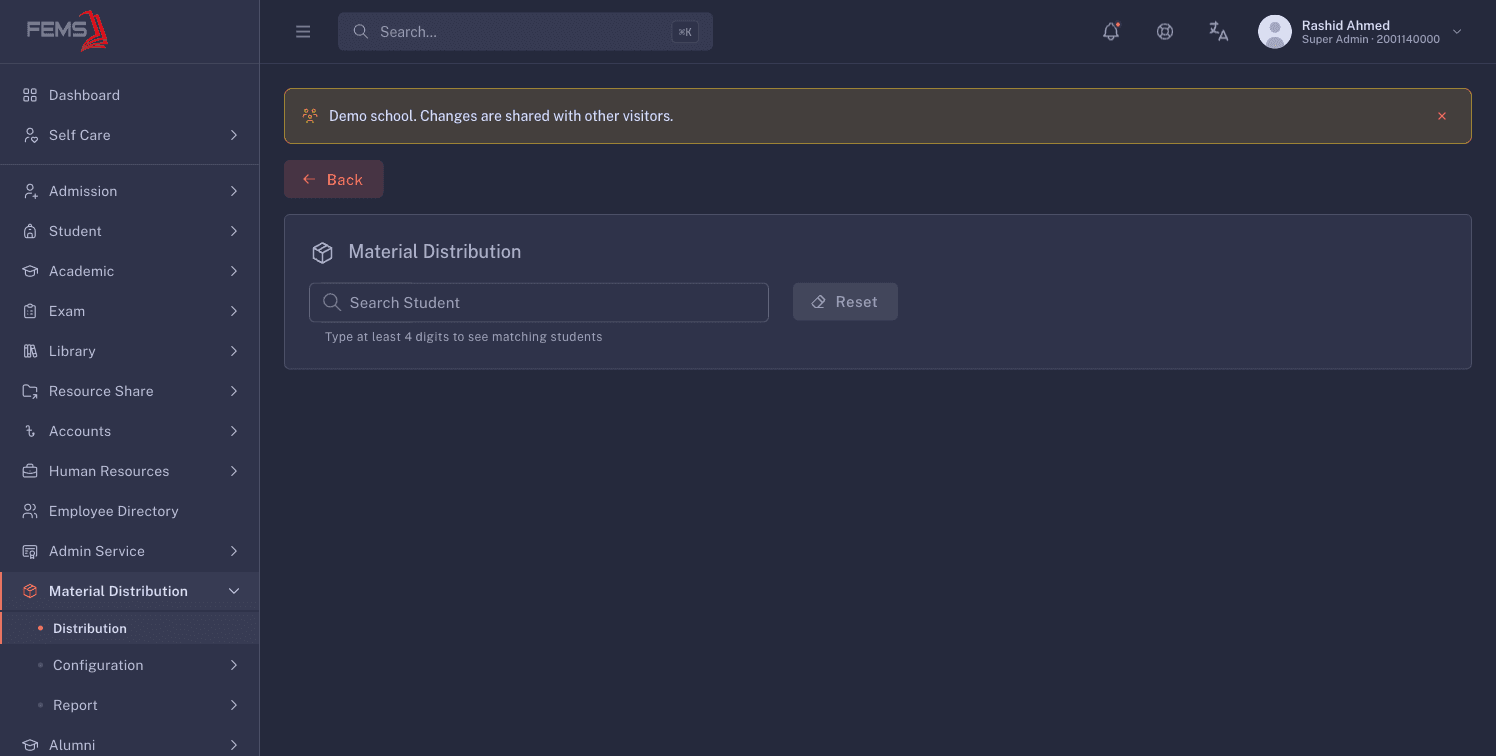
The selected student's campus, class, section, and roll appear above Student Material Distribution Information. The table uses these columns:
- Material Type
- Charge Amount
- Payment Date
- Delivery Date
- Payment Status
- Delivery Status
- Action
If nothing is assigned, you see No materials for this student and No materials assigned for this student in the current session. Click Reset before looking up someone else.
Running the sales report
Go to Material Distribution > Report > Sales. Click Filter, pick a session and date range, then search.
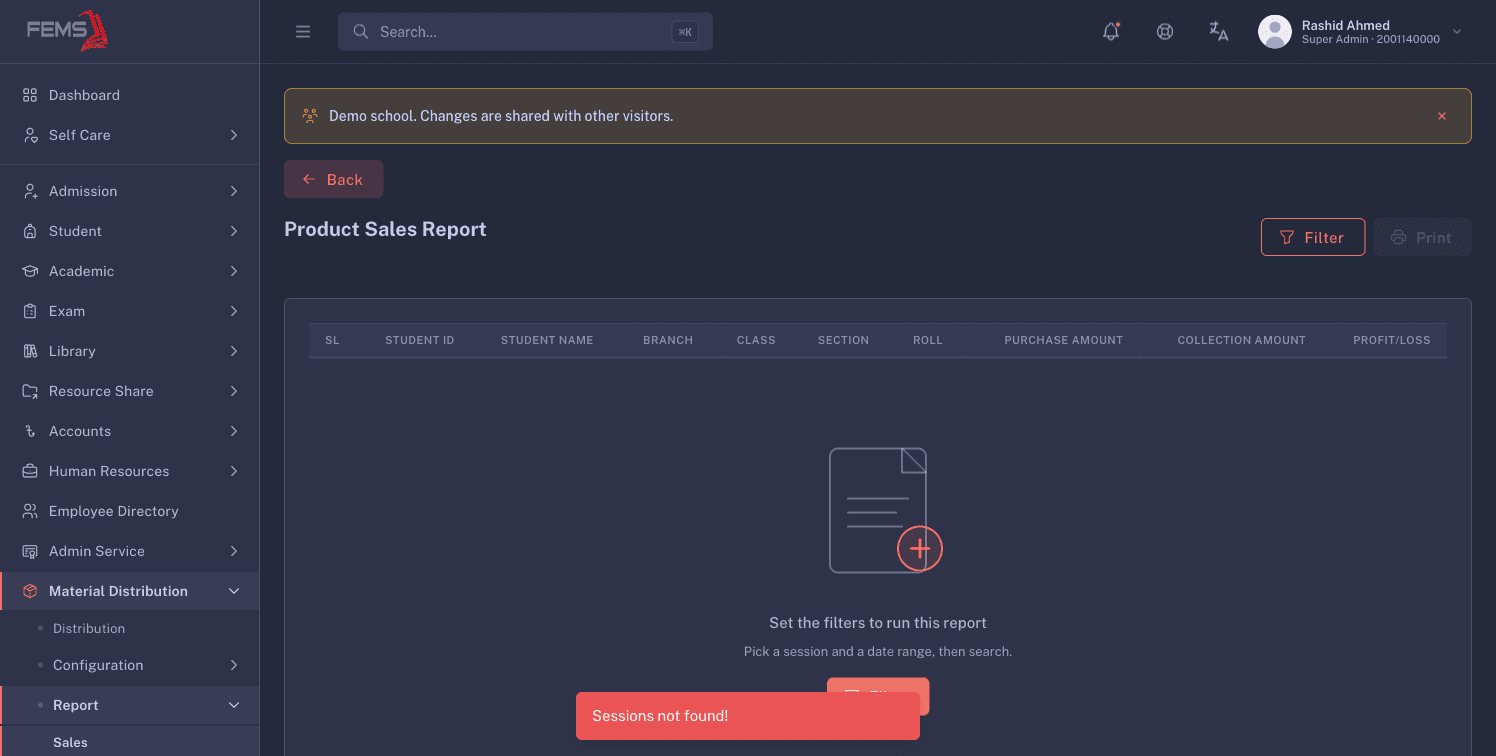
The report shows the student, class placement, purchase amount, collection amount, and profit or loss. Use Print after the report has loaded.
Checking delivery status
Go to Material Distribution > Report > Delivery Status. Click Filter, then pick a session, delivery status, and date range.
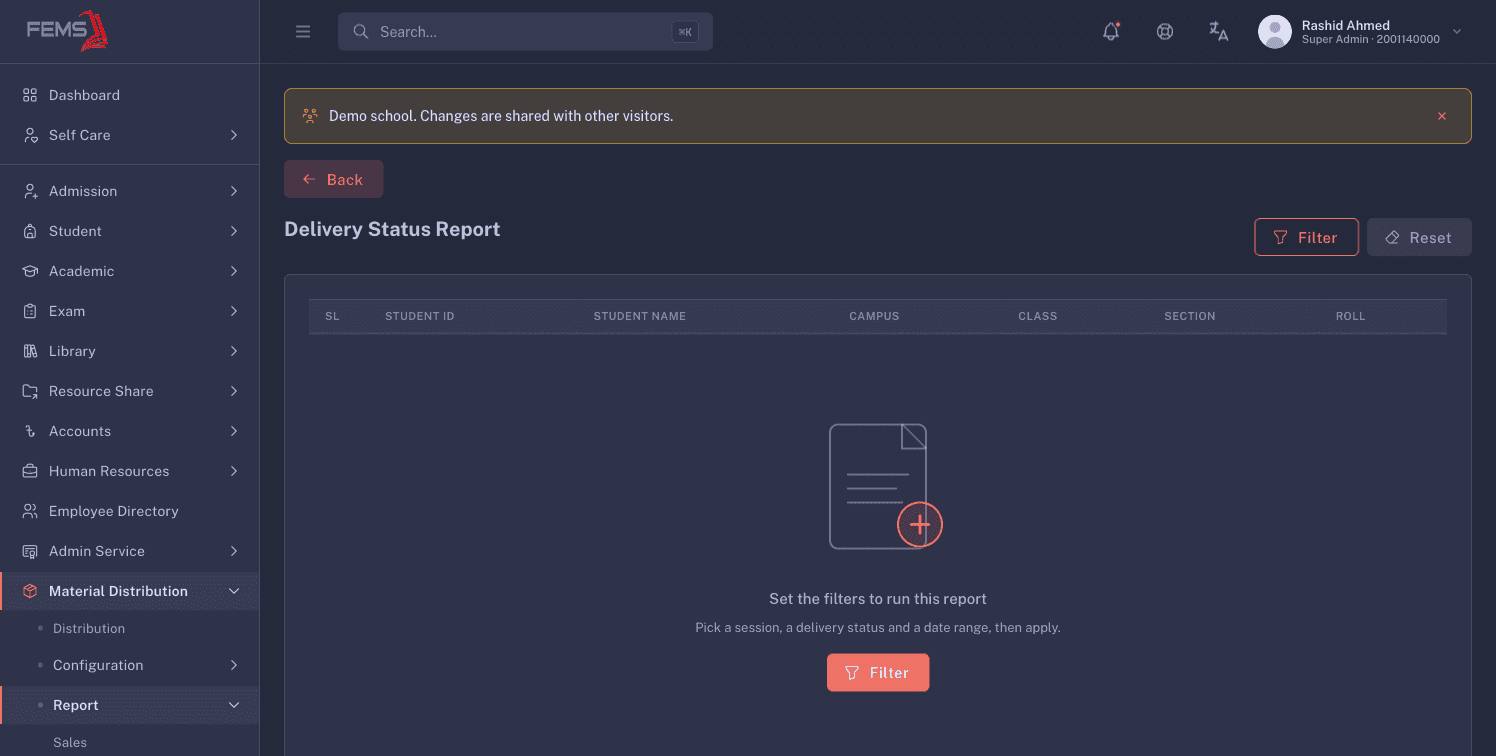
The report lists student ID, student name, campus, class, section, and roll. Use Reset to clear the report filters.
FAQ
Why does a student have no materials? No products are assigned to that student for the current session. Check the student's class and the material configuration.
Why does the search show nothing? Enter at least four digits of the student ID, then pick a result from the list.
Can I run a report without a session? No. The sales and delivery reports both ask for a session before they load results.
Can I print an empty sales report? Set the filters and load the report first. Print only after you have checked the results.