ModulesAlumni
Checking alumni application and record queues
Find pending alumni applications and review the empty and processed-record states available in FEMS.
The Alumni module has New Application and Alumni Record queues.
Before you start
- Sign in with an administrator account that can open Alumni.
- Check an applicant's information against the records your school trusts before taking any action.
Check new applications
- Open Alumni from the main navigation.
- Select New Application.
- Use Search by name, email, mobile, or ID when the queue contains several applications.
- Review the applications waiting for a decision.
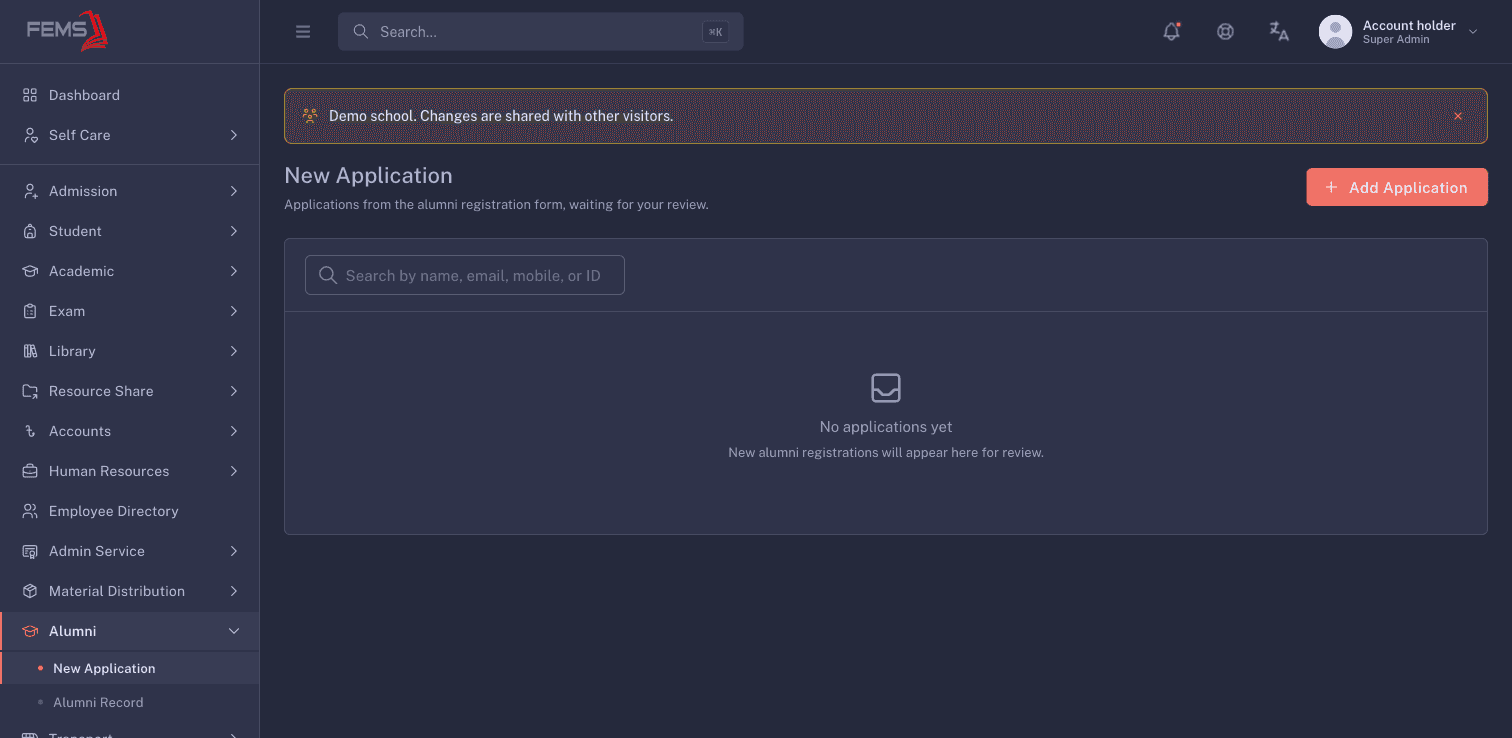
An empty queue shows No applications yet.
Check Alumni Record
- Select Alumni Record under Alumni.
- Use Search by name, email, mobile, or ID to find a record.
- Use All statuses to narrow the list when records are available.
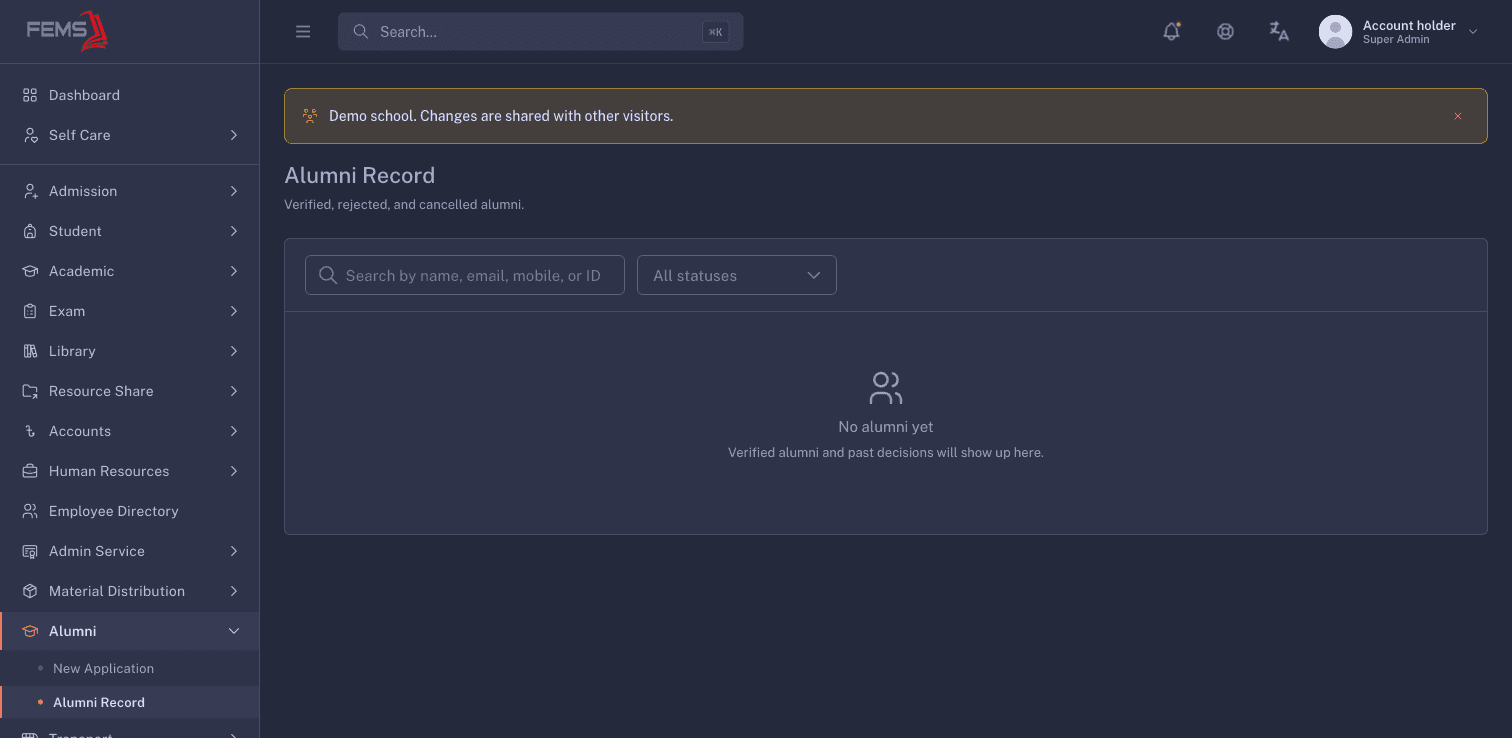
An empty list shows No alumni yet.
Frequently asked questions
Why is New Application empty?
No applications are listed. Check the search and filters, then ask the alumni administrator if you expected an application.
Can I add an application for an alumnus?
The New Application page shows Add Application for accounts that have access. Confirm the alumnus's details and consent before entering anything.
What should I check before making a decision?
Compare the application with the school's trusted graduation and contact records. Stop and ask for clarification when the records do not match.